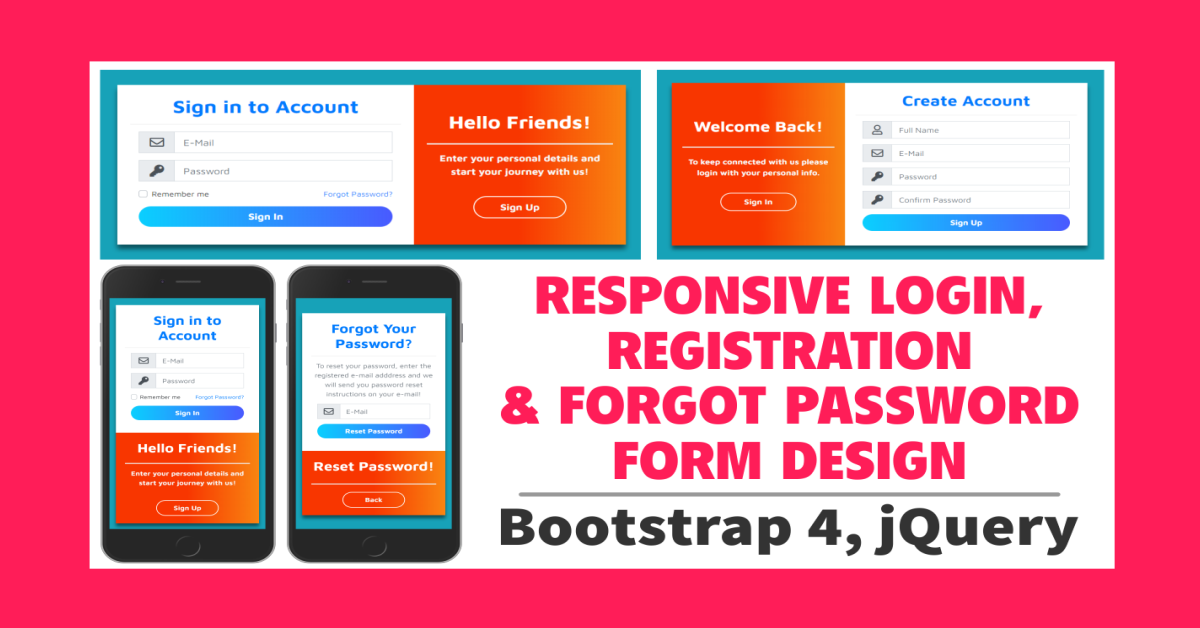
Responsive Login, Registration & Forgot Password Form Design Using Bootstrap 4 & jQuery
In this post, I'm showing you how to design nice looking fully Responsive Login, Registration & Forgot Password Form Design using Bootstrap 4, jQuery, and Font Awesome. I'll use mostly Bootstrap 4 classes to design these forms. I'll use a few custom CSS properties.

By Sahil Kumar
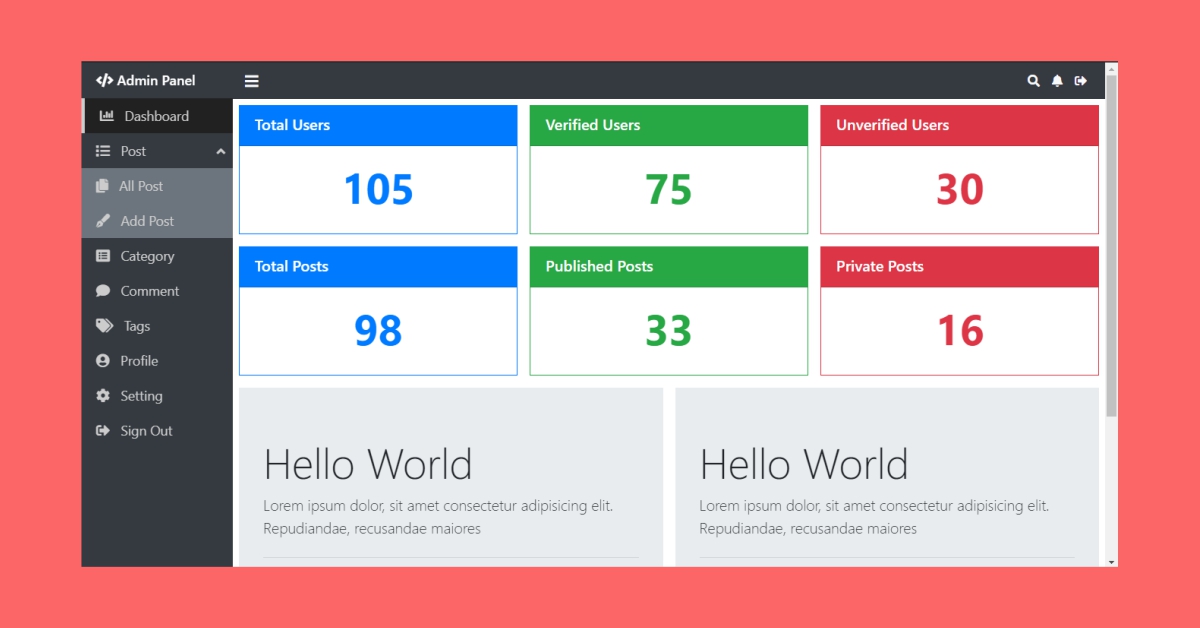
Responsive Admin Panel Design Using Bootstrap 4
Hello friends! Today I'm going to show you how to design a fully Responsive Admin Panel using Bootstrap 4 framework and I've used Font awesome library for displaying icons and I've also used some custom CSS properties and a little bit of jQuery.
By Sahil Kumar
SUBMIT GUEST POST 🚀
Ready to contribute? Head to the article dashboard to publish your own insightful articles and share them with our audience!
Go to dashboardRECENT POSTS

How Digital Marketing Drives Growth in eCommerce Businesses
7 months ago
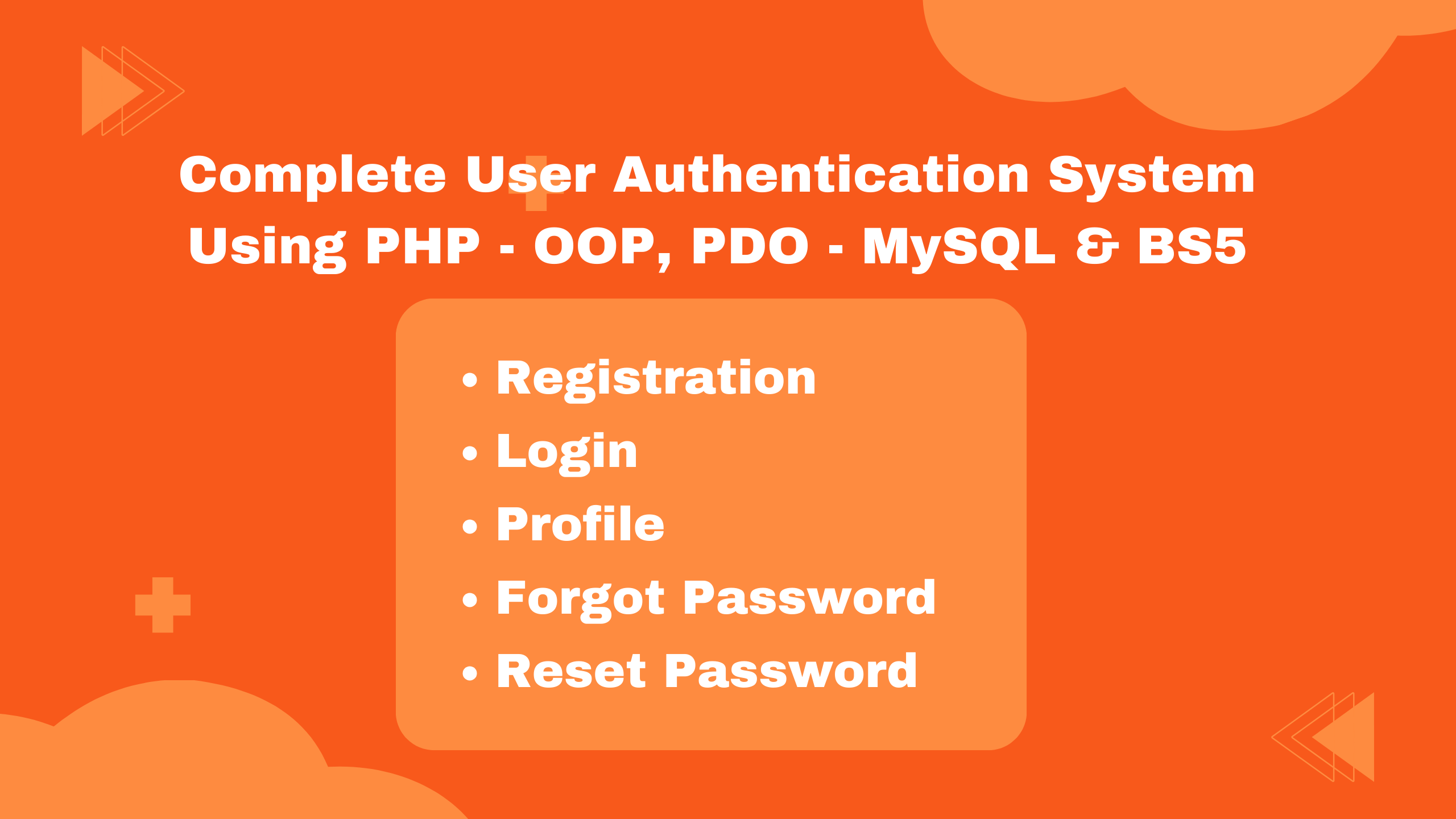
Building a Secure Authentication System with PHP OOP, PDO, MySQL, and Bootstrap 5
7 months ago

10 Essential Web Design Principles for Creating a User-Friendly Website
7 months ago

Send Mail with Contact Form Using PHPMailer & Gmail SMTP | 2023
7 months ago
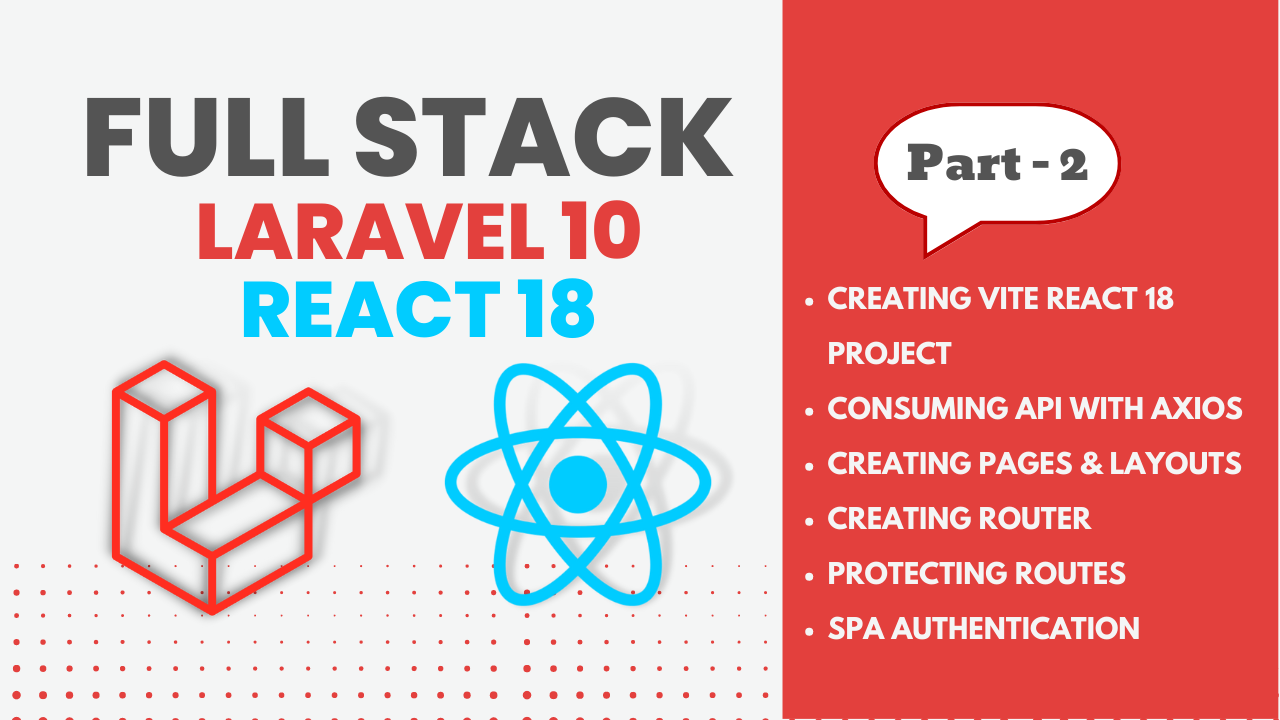
Full Stack Laravel 10 & React JS | SPA Authentication | Part 2
7 months ago